

Smart thermostat with AI learning systems are rapidly reshaping how homeowners control heating and cooling, promising both convenience and major reductions in energy bills. But how much do these high-tech models really deliver? Is the “AI” advantage worth your investment—or just another buzzword? This guide breaks down the promise, process, and potential pitfalls, giving you clear, actionable steps for smarter energy savings.
Key Takeaways
- Smart thermostats with AI learning typically cut heating costs by 12% and cooling by 15%, outperforming programmable thermostats in most real homes.
- Compatibility checks and correct wiring are crucial—missteps are the main DIY headache to avoid during installation.
- ROI can be strong, but factors like home size, insulation, and HVAC efficiency strongly affect your actual savings and payback time.
- What Is a Smart Thermostat With AI Learning & Why Are People Upgrading?
- How to Install a Smart Thermostat With AI Learning: Complete Step-by-Step Guide
- Real-World Pitfalls, Honest Performance, and Where AI Shines (or Doesn’t)
- Conclusion
- Frequently Asked Questions
What Is a Smart Thermostat With AI Learning & Why Are People Upgrading?
A smart thermostat with AI learning is an internet-connected control device that automatically learns your temperature preferences, occupancy patterns, and even local weather trends to optimize heating and cooling—no manual programming required. Brands like Google Nest, Ecobee, and Sensi use AI algorithms and advanced sensors to self-adjust for efficiency, aiming to cut waste and boost comfort.
Studies in 2024 show that leading smart thermostats with AI learning save homeowners an average of 12% on heating and 15% on cooling per year, better than programmable models relying on static schedules. Automated adjustments, geofencing, occupancy sensing, and weather integration give these thermostats an edge, especially if your daily routine isn’t always consistent.
If you want to modernize a rental or newly purchased property, upgrading your thermostat is often the single highest-ROI change you can make—especially if paired with simple upgrades like DIY peel and stick backsplash installation for instant appeal or heat pump water heater cost savings for even deeper cuts to your utility bill.
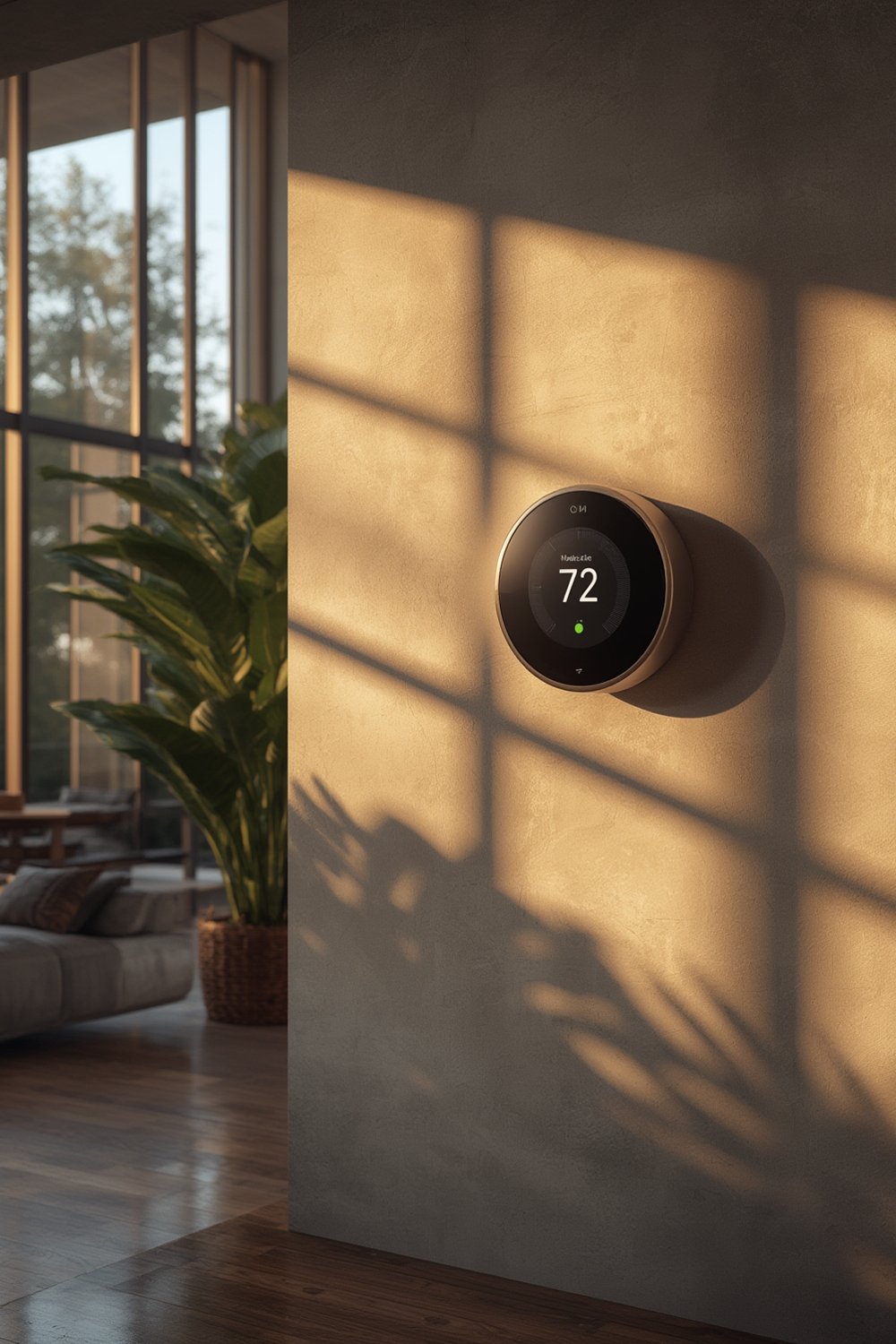
How to Install a Smart Thermostat With AI Learning: Complete Step-by-Step Guide
Upgrading to a smart thermostat with AI learning is often straightforward, but there are crucial details to get right. Below are the exact steps for a safe, successful DIY install, with key compatibility and wiring checks most people overlook:
-
Check HVAC Compatibility
Before buying, use the online compatibility tool from your chosen thermostat’s brand (Nest, Ecobee, etc). If your current system is high-voltage (“line voltage”) or uses proprietary wires, it may not be compatible without an adapter. -
Shut Off Power
Cut power to your heating/cooling system at the breaker panel—not just the thermostat switch. This prevents electrical damage and keeps you safe. -
Carefully Label Wires
Remove the old thermostat faceplate. Take a photo and label the wires using the stickers included with your new thermostat. Don’t assume colors match—follow the letter designations (e.g., “Y,” “G,” “W,” “C”). -
Install the New Backplate
Attach the new mounting plate to the wall, feeding wires through as directed. Use a level for a clean, professional look. -
Connect Wires & Snap On New Thermostat
Push wires into correct terminals and double-check everything. Attach the thermostat display as the instructions specify. -
Restore Power & Complete Setup
Turn the breaker back on and follow the device’s on-screen or app-based guide to finish setup—including connecting to WiFi and syncing with your phone or smart home system. -
Test Heating & Cooling
Run a heating and a cooling cycle (if you have both) to confirm full operation. If something feels off, consult online installation videos or customer support before forcing any fixes.
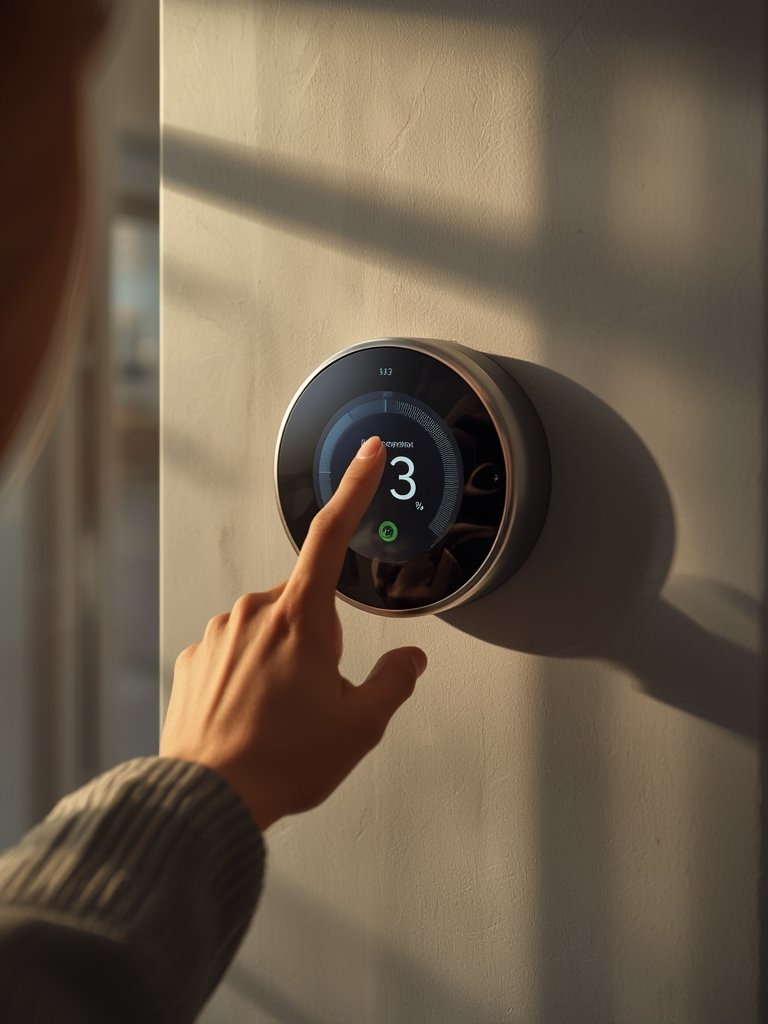
Want your system to truly shine? After setup, use the app’s “learning” or “suggestion” modes for 7 days. Let it detect patterns naturally—don’t manually override unless needed. Many AI-enabled thermostats now prompt with “Did you leave early?” or “Did you arrive late?” so you can fine-tune their learning. For more whole-home energy upgrades, check out hybrid water heater installation guide or create a more comfortable workspace with decorative sound absorbing panels.
Real-World Pitfalls, Honest Performance, and Where AI Shines (or Doesn’t)
No smart thermostat is a magic wand. While smart thermostats with AI learning can meaningfully reduce your energy costs, the data shows that actual savings will depend on your starting point (if your home was always set at 68°F and programmed strictly, you’ll see less). The table below compares manufacturer claims and real-world independent results for leading options:
| Thermostat | Claimed Savings (%) | DOE Benchmarked (%) | Annual Dollar Savings (Avg) | AI Features |
|---|---|---|---|---|
| Google Nest (4th Gen) | 24-28% | 10-12% heating, 15% cooling | $140 | Personalized AI schedules, geofencing, weather data, eco modes |
| Ecobee | up to 26% | 10-15% | $100-$180 | Occupancy sensors, smart setbacks, weather monitoring |
| Sensi | up to 23% | 8-16% | $90-$150 | Scheduling, automation, weather-based optimization |
| Honeywell Programmable (T5/T6) | up to 16% | 8-16% | $50-$120 | Manual scheduling, optional geofencing |
Pitfalls to avoid:
- Overestimating savings: Most homes see 10-15% savings, far less than some bold marketing claims. Variables like insulation, regional climate, and how often people are actually home matter more than the thermostat alone (DOE Benchmarking Report).
- Installation trip-ups: Incorrectly wired thermostats are the biggest reason units won’t work—or worse, damage HVAC control boards. Double check the “C wire” requirement, and be aware that some older homes will need an inexpensive adapter (supplied by many brands).
- Underutilizing features: If you don’t use the scheduling, learning, or occupancy options, you won’t get full savings. Many users set their new thermostat manually just like the old one, negating the key benefit (DonMar Company Review).
- Compatibility headaches: Not all thermostats support every HVAC system, particularly older radiant, line-voltage, or proprietary units. Always check before you buy.
- Hidden subscription costs: Most core features are free, but some advanced integrations—like time-of-use shifting or detailed reports—may require a free signup (e.g., Nest Renew) or paid upgrades in the future.
AI learning makes most sense in unpredictable households—think shift workers, big families, or homes with changing routines. For households with simple, regular schedules, a smart programmable (not AI) model might be enough. But if you want the device to truly adapt, prioritize models with learning algorithms, geofencing, and temperature sensors in multiple rooms.
You can further maximize overall home efficiency by upgrading to Level 2 EV charger home installation or smart organizing with pull out cabinet organizer under sink for improved living and energy usage patterns too.
Conclusion
Switching to a smart thermostat with AI learning is one of the best moves for homeowners aiming for easy energy savings, faster ROI, and modern convenience. Your actual results depend on home setup and starting habits, but for most, savings of around 10-15% are within reach—much better than non-AI programmable units. Just don’t skip the compatibility checks or learning setup process, and always double-check your wiring.
Ready to take control of your comfort and cut monthly costs? Upgrade to a smart thermostat with AI learning and track your results—your energy bills will thank you.
Frequently Asked Questions
Do I need WiFi for a smart thermostat with AI learning?
Yes, WiFi is essential for most AI features. Remote control, automatic updates, and advanced scheduling all require an internet connection.
Can I install a smart thermostat myself, or do I need an electrician?
Most homeowners install these themselves in under an hour, but if you lack a C-wire or face unclear wiring, an electrician may be needed. Always turn off power at the breaker before starting.
Will a smart thermostat damage my old HVAC system?
Rarely, but incorrect wiring or compatibility mismatches cause issues. Check your system compatibility online and follow all setup steps to avoid problems.
Is there a monthly fee for Nest, Ecobee, or Sensi smart thermostats?
No, most AI learning features are free. Some advanced services like detailed reports or energy rewards may require account signup, but there are no required ongoing fees for core thermostat functionality.
What’s the real payback period for a smart thermostat with AI learning?
Most users recoup their investment in 1-2 years through energy savings, depending on their prior heating/cooling habits and local climate. Actual savings impact your ROI the most.